Stride vs Excalidraw: when your sketch needs to become a decision the team commits to.
Excalidraw is a free, hand-drawn-style whiteboard for sketching diagrams collaboratively, beloved for sequence diagrams, system maps, and meeting whiteboards. Stride is a connected delivery platform with structured ADRs (Architecture Decision Records); diagrams are inputs to a decision, not the artifact itself.
See it for yourself
Start at $15/seat/month. The sample project has issues, sprints, test cases, defects, decision records and a diagram to explore before your team commits.
Get started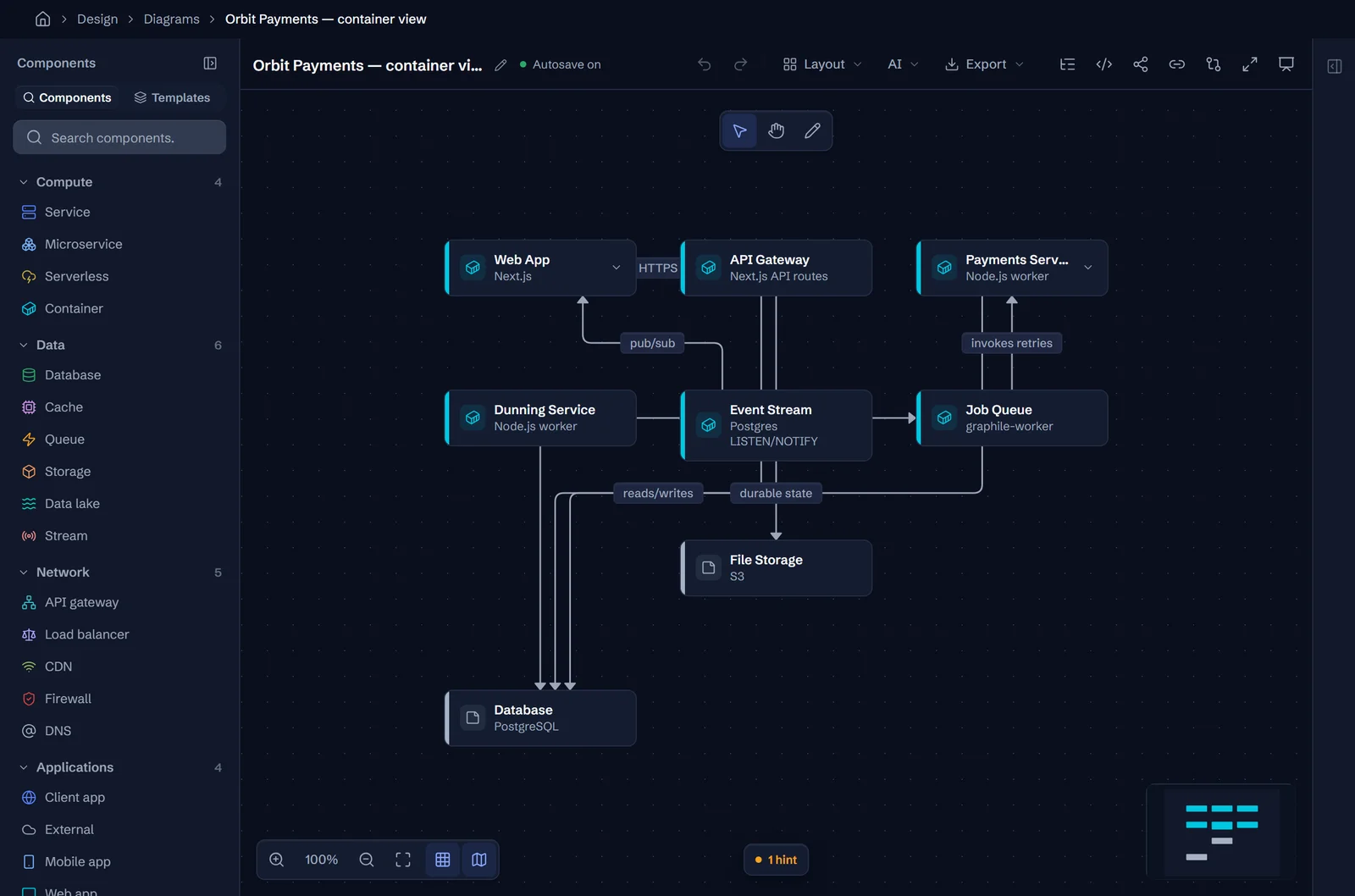
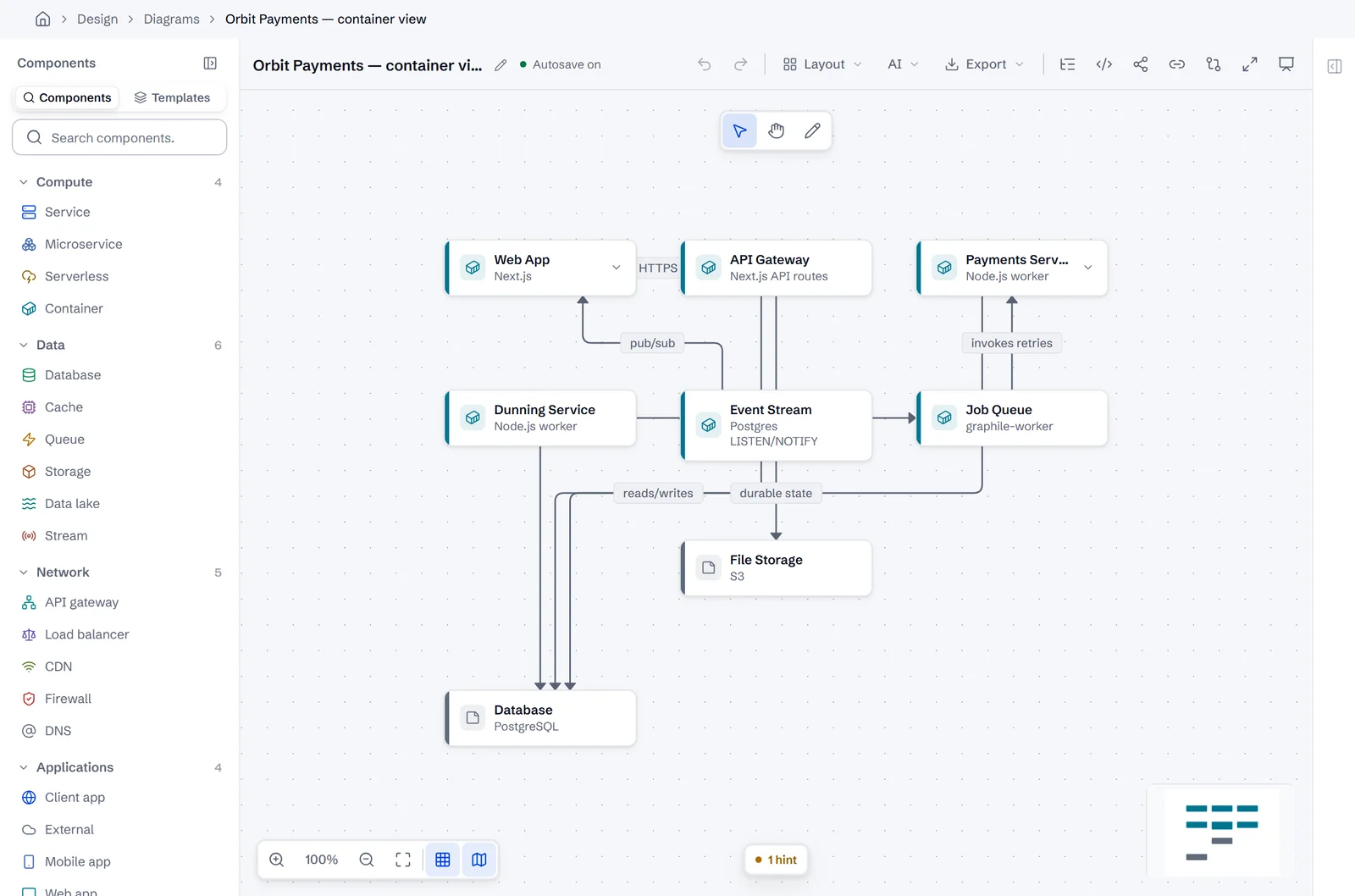
Engineering teams whose architecture decisions need to become structured artifacts linked to the work they affect.
Teams who need fast collaborative sketching for meetings, design sessions, or exploratory architecture work, without needing the sketch to live on as a committed decision.
Feature comparison
| Feature | Stride | Excalidraw |
|---|---|---|
AI drafts ADRs | ||
Decision lifecycle (status, supersession) | ||
Links to issues, tests, defects | ||
Hand-drawn collaborative whiteboard | ||
No-signup browser access | ||
Pricing | $39/seat/mo (Pro) | Free |
Where Stride wins
- ADRs capture context, decision, and consequences, structured artifacts the team commits to. Excalidraw sketches are visual inputs that age out.
- Decisions link to the issues, tests, and defects they affect. Excalidraw boards live in a separate workspace; no link to the work they describe.
- AI drafts an ADR from its title, and proposes ADRs from a PRD. Excalidraw is a drawing tool; no AI assistance on the decision itself.
- Statuses: Proposed, Accepted, Deprecated, Superseded. Excalidraw boards have no decision status.
Where Excalidraw wins
- Excalidraw is free, open-source, and the best collaborative sketching tool in the category. For ad-hoc visualization, Stride doesn't try to compete.
- Excalidraw's hand-drawn aesthetic and frictionless multi-user editing is genuinely fun. ADRs in Stride are more formal, appropriate for committed decisions, less so for exploratory sketching.
- Excalidraw works in any browser, no signup, no setup. Stride requires an account and a workspace.
Questions
Can I import Excalidraw boards as ADR diagrams?
Should we replace Excalidraw entirely?
What about Excalidraw's real-time multiplayer drawing?
See Stride beside Excalidraw on your own work
Plans start at $15 a seat a month. Load the sample project and open every module before you move your team.